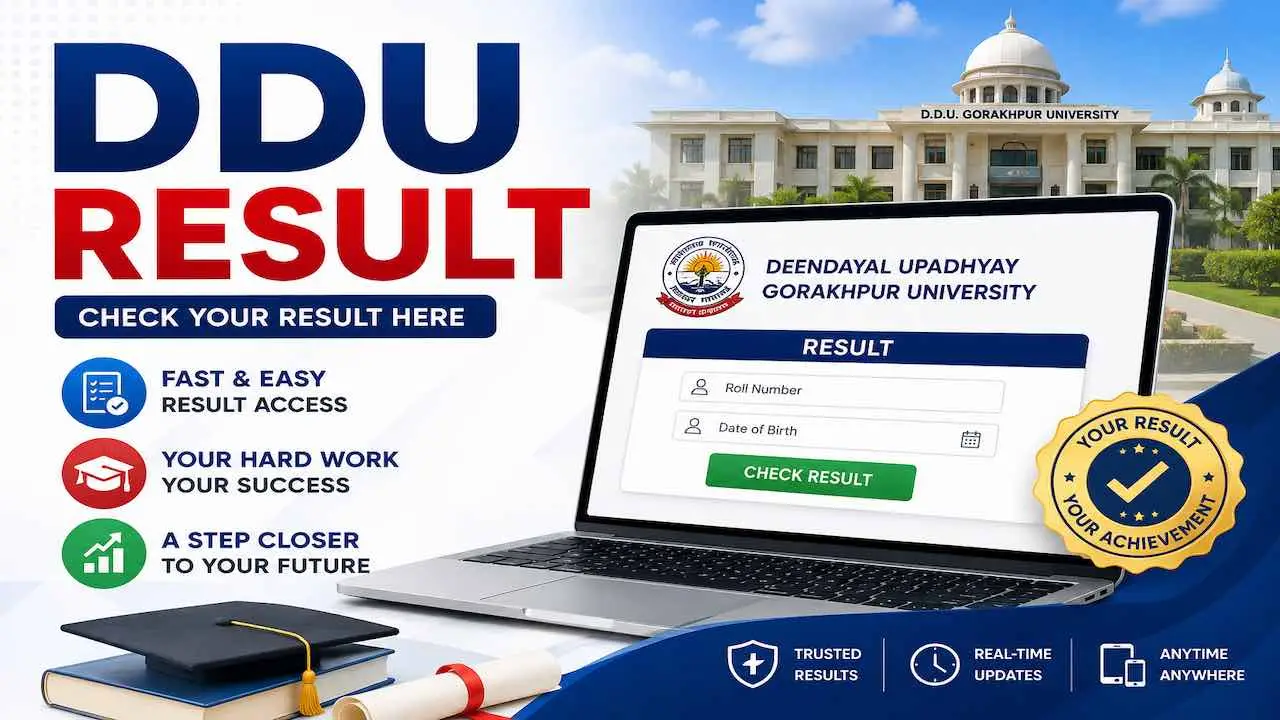
DDU Result Deen Dayal Upadhyaya Gorakhpur University के Official ERP Portal erp.ddugu.ac.in पर जारी है। BA, BSc, BCom, BBA, BCA, BTech, BPharma, BA LLB, LLB, BEd, MA, MSc, MCom, MBA, MCA, BJMC सभी DDU UG और DDU PG Courses का DDU Gorakhpur Result Online Available है। Result Check करने के लिए Roll Number और Date of Birth चाहिए। नीचे Direct Portal Link, Step-by-Step Process और सभी जरूरी जानकारी दी गई है।
| विवरण | जानकारी |
|---|---|
| University | Deen Dayal Upadhyaya Gorakhpur University (DDUGU) |
| Also Known As | Gorakhpur University |
| Result Status | जारी है (UG और PG Odd Semester) |
| Official Website | ddugu.ac.in |
| Direct ERP Portal | erp.ddugu.ac.in/All_Result.aspx |
| Login के लिए | Roll Number / Registration Number + Date of Birth + Captcha |
| Result Format | PDF Marksheet (Online Download) |
| Odd Semester Result | जनवरी से फरवरी के बीच |
| Even Semester Result | जून से अगस्त के बीच |
| Revaluation Window | Result के 15 से 30 दिन के अंदर |
सबसे पहले यह जानें: NEP, CBCS या Annual में से कौन सा Select करें
यह DDU Gorakhpur University Result Check करने में सबसे बड़ा Confusion है। गलत Category Select करने पर Result नहीं दिखता। अपना Admission Year देखकर नीचे Table से अपनी सही Category पहचानें।
| आपका Admission Year | सही Category | System |
|---|---|---|
| 2023-24 के बाद Admission | NEP | 4-Year Undergraduate Programme |
| 2018-19 से 2022-23 के बीच Admission | CBCS Regular | Choice Based Credit System |
| CBCS में किसी Subject में Fail | CBCS Back | Backlog / Supplementary Result |
| Annual System के Students | Non-NEP Annual | Annual Examination |
| Private Students | Private Examination | Private Mode |
DDU Result Online Check करें: ERP Portal से सबसे Fast
DDU Result Online Check करने का सबसे Direct तरीका ERP Portal है। यह Main Website से भी Fast Load होता है, खासकर Result जारी होने के पहले दिन।
erp.ddugu.ac.in से Check करें
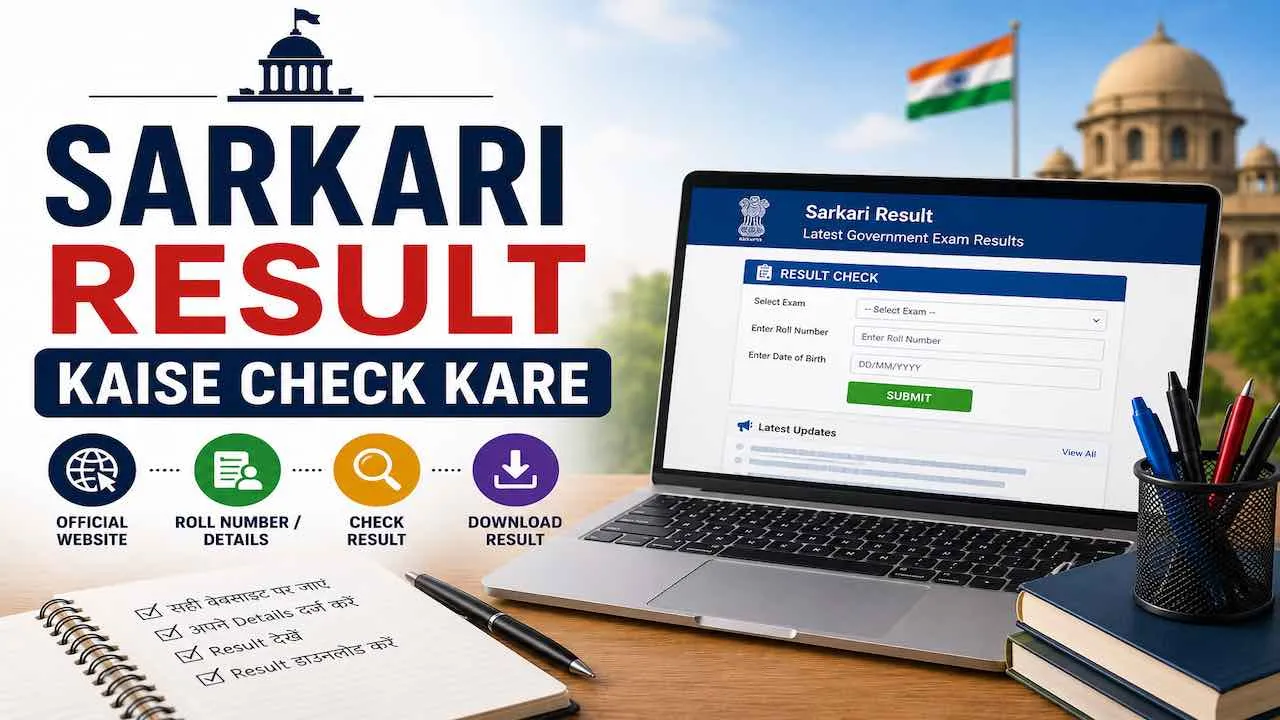
- Step 1: Browser में erp.ddugu.ac.in/All_Result.aspx Open करें
- Step 2: Result Category Select करें: NEP, CBCS Regular, CBCS Back, Non-NEP Annual या Private
- Step 3: Academic Session Select करें जैसे 2024-25 या 2025-26
- Step 4: अपना Course Select करें जैसे BA 3rd Semester, MSc 1st Semester
- Step 5: Roll Number या Registration Number Admit Card के अनुसार सही Enter करें
- Step 6: Date of Birth University Records वाली Enter करें
- Step 7: Captcha Code Fill करें और Submit Click करें
- Step 8: DDU Result PDF Marksheet Screen पर दिखेगी, तुरंत Download करें
ddugu.ac.in से Check करें
- Step 1: ddugu.ac.in Open करें
- Step 2: Homepage पर Students Corner पर Click करें
- Step 3: Results Option Select करें
- Step 4: अपने Course का Active Result Link Click करें
- Step 5: Roll Number, Date of Birth और Captcha Enter करके Submit करें
- Step 6: DDU Marksheet PDF Download करें
First Semester Students के लिए Special Notice: Result Portal पर Name तभी दिखेगा जब ABC ID Samarth Portal से Linked हो। Link नहीं है तो तुरंत अपने College Office जाएं और ABC ID Linking करवाएं।
DDU Semester Result: Course-wise Availability
DDUGU Result एक साथ सभी Courses के लिए नहीं आता। University Phase-wise DDU Semester Result Publish करती है। अगर आपके Course का Result अभी नहीं दिख रहा तो कुछ दिन बाद फिर Check करें।
| Course | Result Category | Portal |
|---|---|---|
| DDU BA Result (1st से 6th Semester) | NEP / CBCS / Non-NEP Annual | erp.ddugu.ac.in |
| DDU BSc Result (1st से 6th Semester) | NEP / CBCS / Non-NEP Annual | erp.ddugu.ac.in |
| DDU BCom Result (1st से 6th Semester) | NEP / CBCS / Non-NEP Annual | erp.ddugu.ac.in |
| BBA / BCA | NEP / CBCS | erp.ddugu.ac.in |
| BTech (IT/CS/ECE/ME) | CBCS / NEP | erp.ddugu.ac.in |
| BPharma | CBCS / NEP | erp.ddugu.ac.in |
| LLB / BA LLB | Annual / CBCS | erp.ddugu.ac.in |
| BEd / BJMC | Annual / CBCS | erp.ddugu.ac.in |
| MA / MSc / MCom | NEP / CBCS | erp.ddugu.ac.in |
| MBA / MCA / MJMC | CBCS / NEP | erp.ddugu.ac.in |
DDU Result नहीं दिख रहा: 7 Solutions
Result Portal पर Problems आना Common है। नीचे दिए Solutions को एक-एक करके Try करें।
- Problem 1 – Wrong Category: सबसे पहले Category बदलकर Try करें। यही 90% Cases में Problem होती है।
- Problem 2 – ABC ID Link नहीं: First Semester Students ABC ID Samarth Portal से Link करवाएं। बिना इसके Result नहीं आएगा।
- Problem 3 – Wrong Roll Number: Admit Card से Roll Number Copy करके दोबारा Enter करें। एक भी Digit गलत होने पर Result नहीं आता।
- Problem 4 – Wrong Session: Academic Session 2024-25 या 2025-26 सही Select करें।
- Problem 5 – Server Slow: Result जारी होने के पहले दिन Portal Slow होता है। सुबह जल्दी या रात को Try करें।
- Problem 6 – Result Pending: DDUGU Phase-wise Result जारी करती है। आपके Course का Result अभी Pending हो सकता है। 2-3 दिन बाद Try करें।
- Problem 7 – Browser Issue: Browser Cache Clear करें या अलग Browser जैसे Chrome, Firefox में Try करें।
Roll Number नहीं पता तो क्या करें
डीडीयू Result देखने के लिए Roll Number सबसे जरूरी है। Roll Number Admit Card पर Printed होता है। अगर Admit Card खो गया है तो नीचे दिए Steps Follow करें।
- College Office जाएं: अपने College के Examination Cell में जाएं। वहाँ पूरी Student List होती है जिसमें Roll Number होता है।
- Department से लें: University Department Office से भी Roll Number मिल सकता है।
- Fee Receipt Check करें: Examination Fee की Receipt पर भी Registration Number या Roll Number होता है।
- ddugu.ac.in पर Login करें: अगर University Portal पर Student Account है तो वहाँ Roll Number देख सकते हैं।
DDU Marksheet में क्या देखें और क्या Verify करें
डीडीयू Marksheet Download करने के बाद इन Details तुरंत Check करें। गलती होने पर 15 से 30 दिन के अंदर University को Report करना जरूरी है।
- नाम: University Records के अनुसार Correct Spelling होनी चाहिए
- Roll Number / Registration Number: Admit Card से बिल्कुल Match होना चाहिए
- Course और Semester: सही Course और Semester Number Mentioned होना चाहिए
- Subject-wise Marks: हर Paper के Marks सही हों
- Total Marks: सभी Subjects का Total सही Calculate हो
- SGPA और CGPA: Calculation सही है या नहीं
- Pass/Fail Status: हर Subject और Overall Result Status सही हो
DDU Marksheet में SGPA और CGPA का मतलब क्या है
CBCS और NEP Marksheet में Percentage की जगह SGPA और CGPA दिखते हैं। यह बहुत से Students को Confusing लगता है।
| Term | Full Form | Simple मतलब |
|---|---|---|
| SGPA | Semester Grade Point Average | इस Semester में 10 में से कितना Score |
| CGPA | Cumulative Grade Point Average | सभी Semesters का Average Score (10 में से) |
| Grade Point | Grade Point | हर Subject में मिला Score |
| Credit | Credit Hours | हर Subject का Weightage |
CGPA से Percentage Formula: CGPA x 9.5 = Percentage। उदाहरण के रूप में अगर CGPA 7.5 है तो Percentage है 7.5 x 9.5 = 71.25%। यह UGC का Official Formula है और Job तथा Admission Applications में Accepted है।
Pass हो गए: अब ये Steps तुरंत करें
- PDF Download करें: DDU Result Marksheet PDF तुरंत Download करें और 2-3 Copies अलग-अलग जगह Save करें
- Original Marksheet लें: Result के 1 हफ्ते के अंदर College या Department से Original Hard Copy Marksheet Collect करें
- Next Semester Form भरें: ddugu.ac.in पर Next Semester का Examination Form Deadline से पहले भरें
- Scholarship Apply करें: National Scholarship Portal (NSP) और UP Government Scholarship Schemes पर Provisional Marksheet से Apply करें
- Admission के लिए: Higher Studies के लिए Original Marksheet आने तक Provisional PDF Valid Document मानी जाती है
Fail हो गए: Revaluation और Backlog का पूरा Process
DDU Result में Fail होना या Marks कम आना दिल तोड़ने वाला होता है। लेकिन दो रास्ते हैं जो आपको आगे ले जा सकते हैं।
Revaluation या Rechecking Apply करें
Marks गलत लग रहे हैं तो Result के 15 से 30 दिन के अंदर Apply करें।
| Process | क्या होता है | कहाँ Apply करें |
|---|---|---|
| Revaluation | दूसरा Examiner पूरी Answer Sheet दोबारा Check करता है। Marks बढ़ सकते हैं। | College Examination Cell |
| Rechecking | Officials Check करते हैं कि सभी Pages Mark हुए, Total सही है या नहीं | College Examination Cell |
Revaluation Deadline miss होने पर Apply नहीं हो सकता। Revaluation Result भी DDUGU Official Website पर Separately Publish होता है।
Backlog Exam या Improvement Exam दें
- UG, PG, PhD, M.Phil और Diploma सभी Courses के Students Eligible हैं
- Backlog / Supplementary Exam और Improvement Exam का Form ddugu.ac.in पर Online भरा जाता है
- Apply करने से पहले Official Notification में Eligibility Criteria पढ़ें
- Application Fee एक बार Submit होने के बाद Refund नहीं होती
- Backlog Exam Result ddugu.ac.in पर CBCS Back Category में आता है
- Backlog Result Pending होने पर भी Next Semester Lectures Attend कर सकते हैं
Original Marksheet कब और कहाँ से मिलेगी
Online Download की गई Marksheet Provisional Marksheet होती है। Original Hard Copy Marksheet और Passing Certificate Result Announcement के 1 हफ्ते के अंदर आपके College या University Department Office से मिलती है। Original Marksheet मिलने तक Provisional PDF Marksheet Scholarship, Job Application और Admission में Valid Document मानी जाती है। Controller of Examinations, DDUGU Gorakhpur को Written Complaint करने पर Marksheet में कोई गलती Correct होती है।
अक्सर पूछे जाने वाले सवाल (FAQ
erp.ddugu.ac.in/All_Result.aspx पर जाएं, Category Select करें, Session और Course Choose करें, Roll Number और Date of Birth Enter करें और Submit करें। DDU Gorakhpur Result PDF Marksheet Screen पर आ जाएगी, उसे Download कर लें।
Admission 2023-24 के बाद लेने वाले Students NEP Select करें। 2018-19 से 2022-23 के बीच Admission वाले CBCS Regular Select करें। Fail होने पर CBCS Back और Annual System Students Non-NEP Annual Select करें।
Odd Semester Results जनवरी से फरवरी के बीच जारी होते हैं। Even Semester Results जून से अगस्त के बीच आते हैं। DDUGU Exams के 45 से 60 दिन बाद Result Publish करती है। DDUGU पहले से Fixed Date Announce नहीं करती।
अपने College Examination Cell में जाएं। वहाँ Student Register से Roll Number पता चल जाएगा। Examination Fee Receipt पर भी Registration Number Mentioned होता है।
Result जारी होने के 15 से 30 दिन के अंदर Revaluation Apply करना होता है। इस Window के बाद Apply नहीं हो सकता। Revaluation Application College Examination Cell के माध्यम से Submit करें।